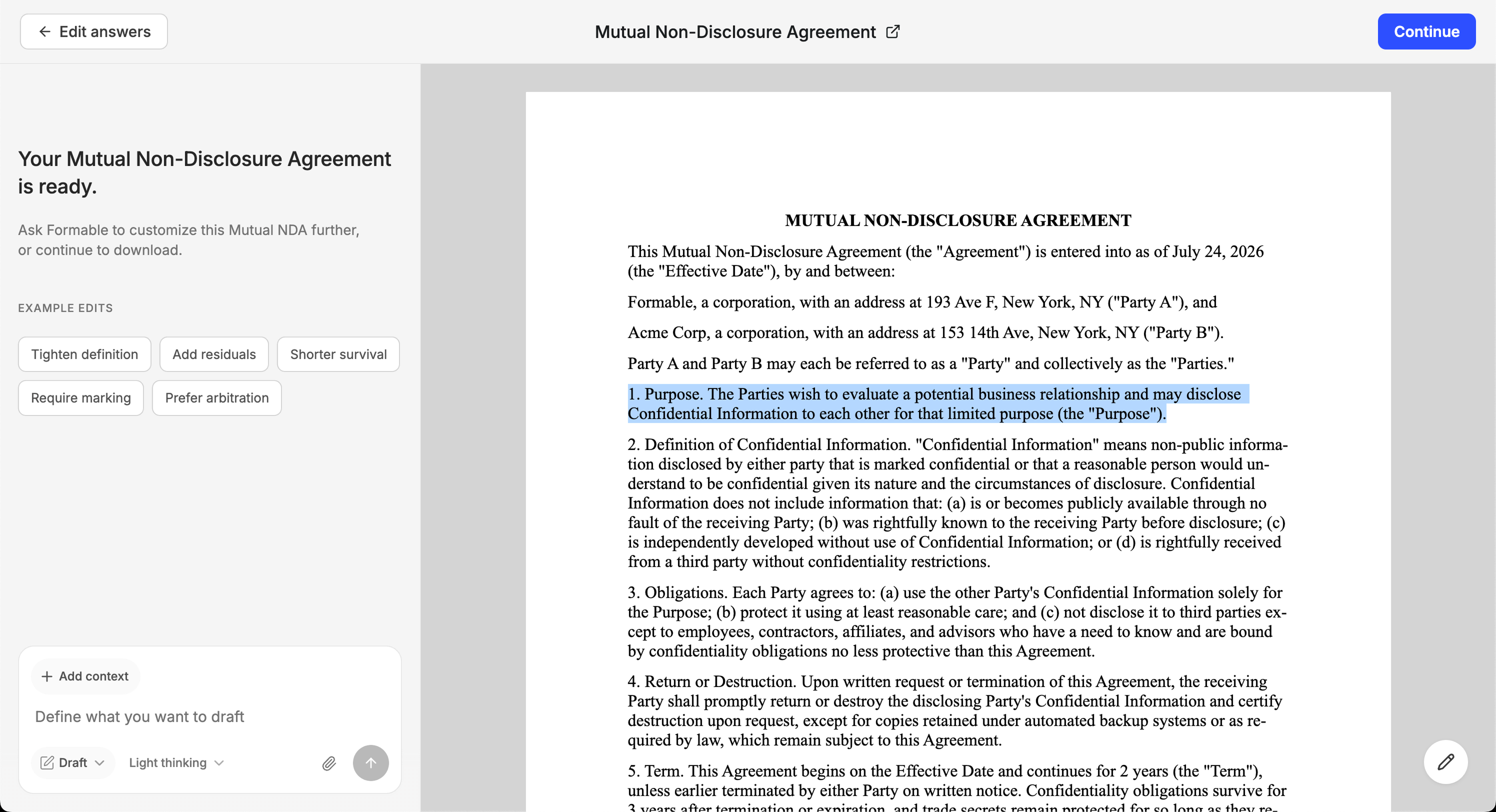
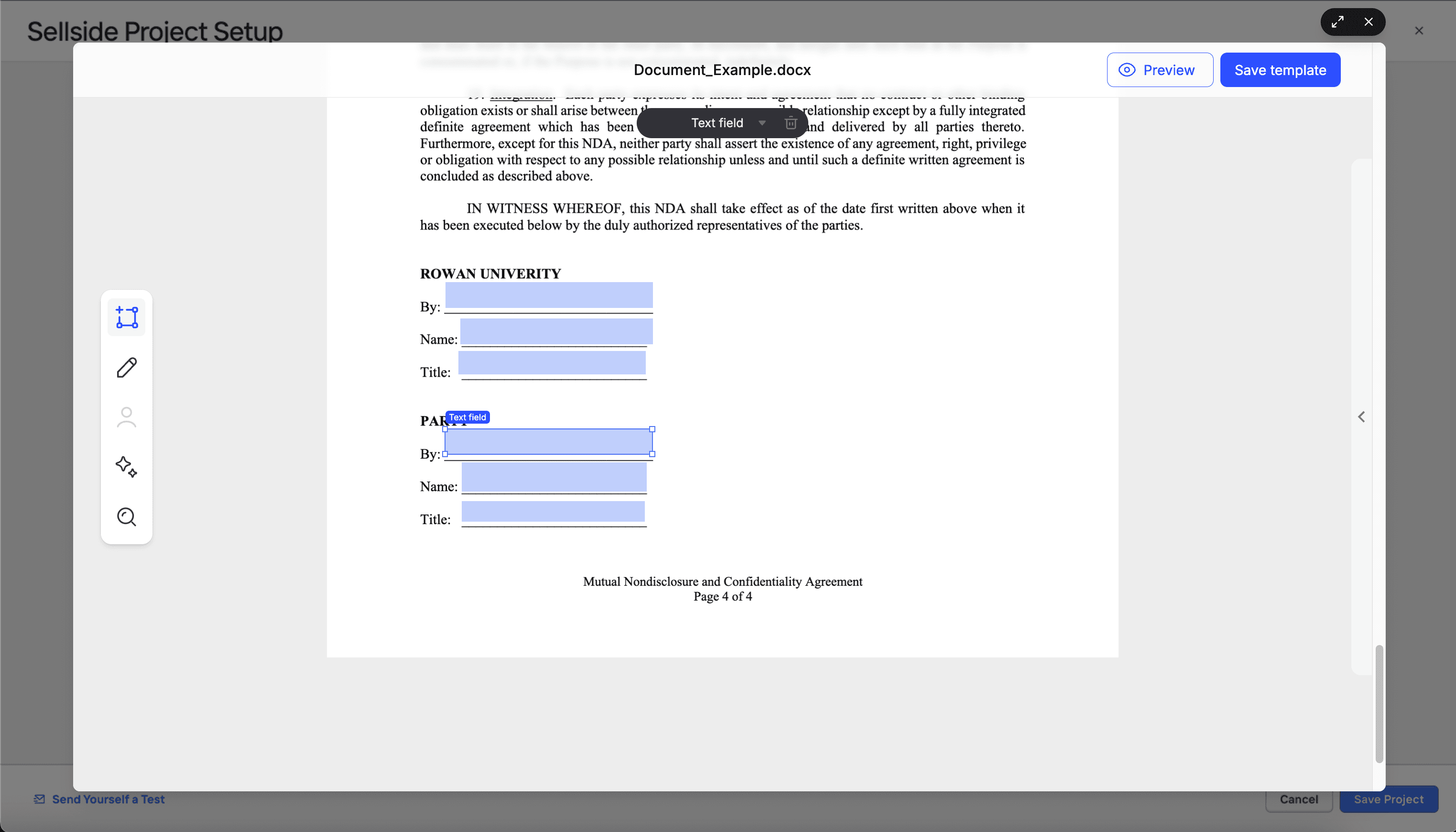
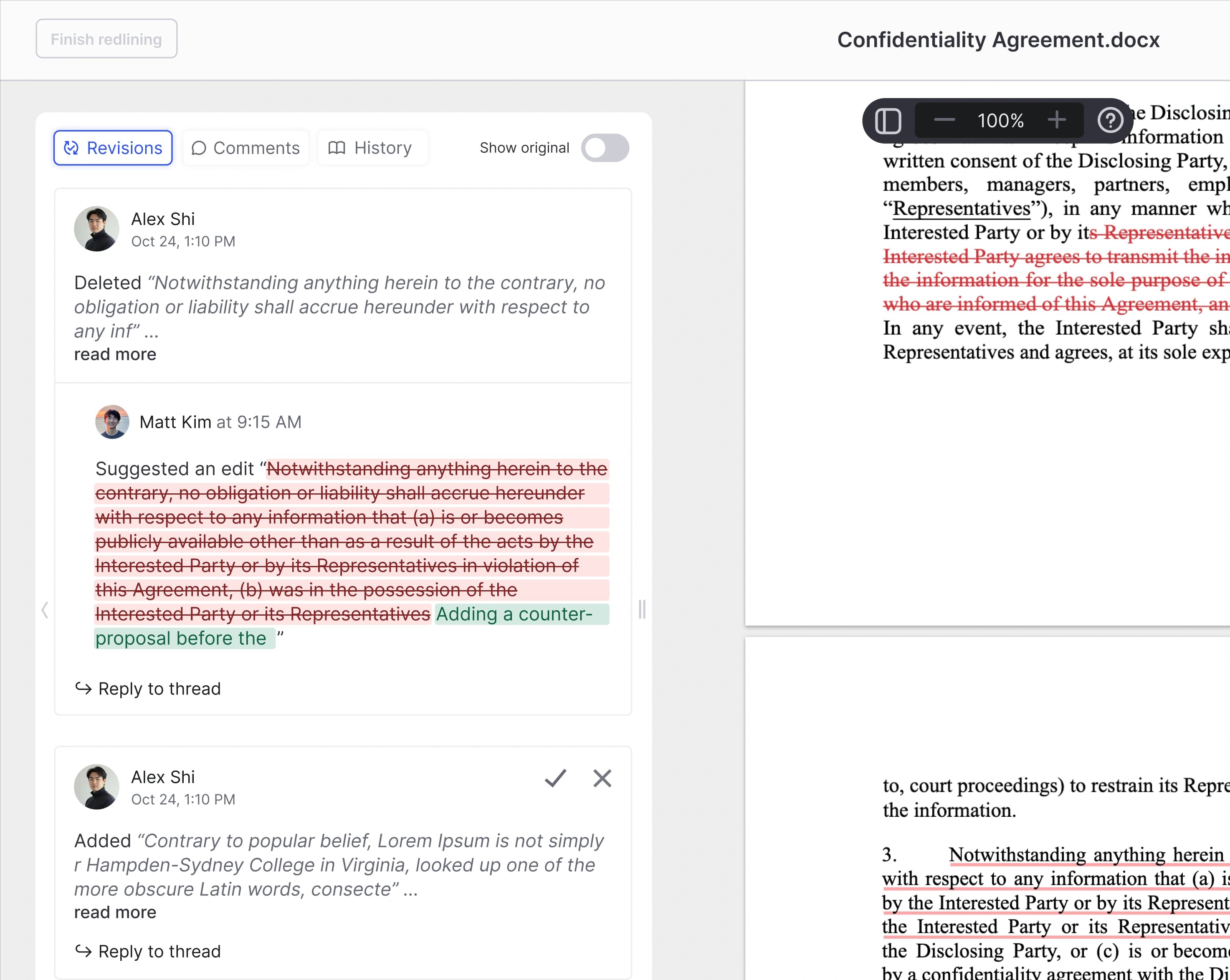
Share with a quick signing link
Share a signing link anywhere. Add a password when you need an extra layer of protection.
Introducing Formable
Place signature fields, send secure signing links, and track every recipient through completion with a clear audit trail on every envelope.
Place fields, send documents, and follow each recipient through review and completion. Get contracts signed faster than you would with other software.
Send a document for signing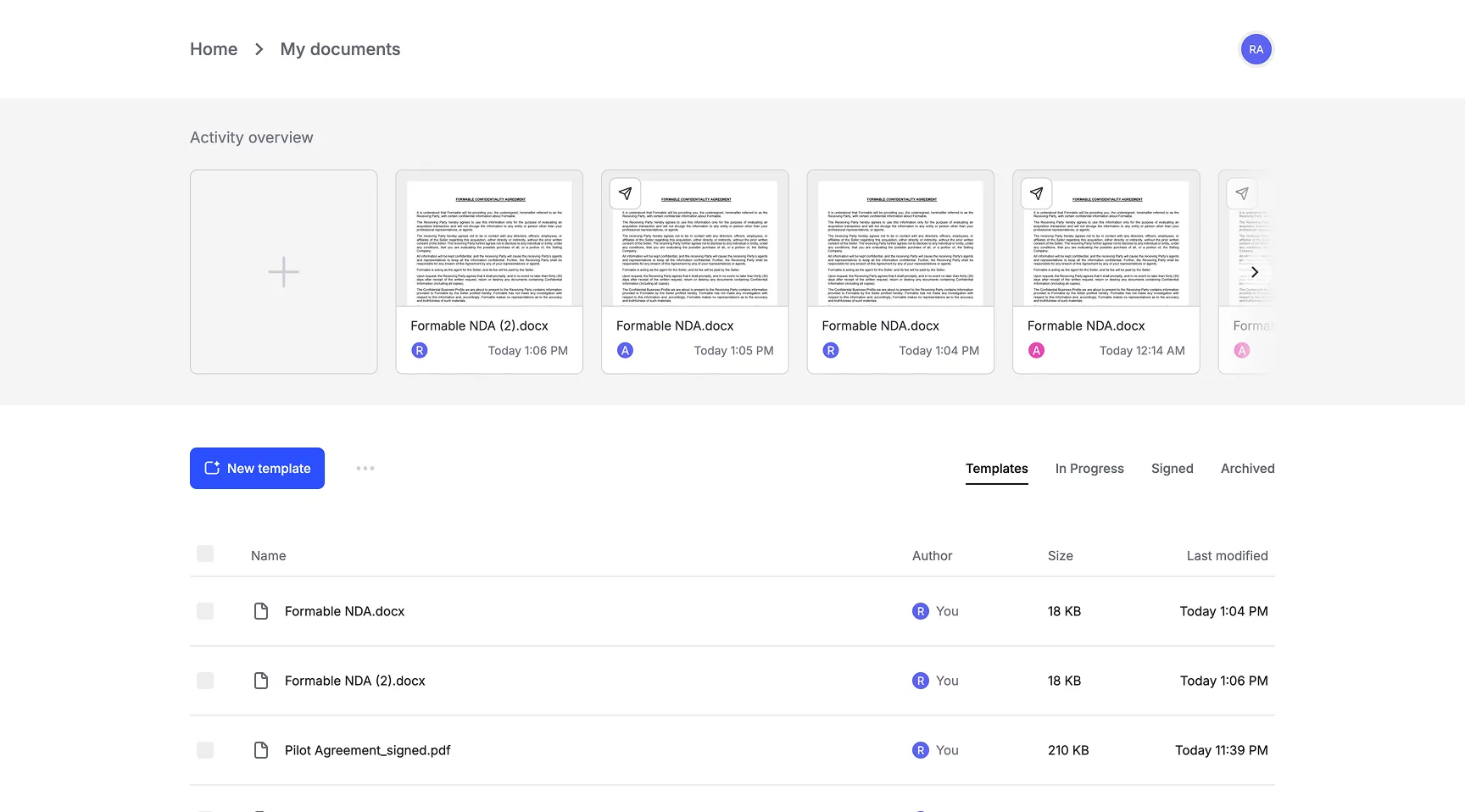
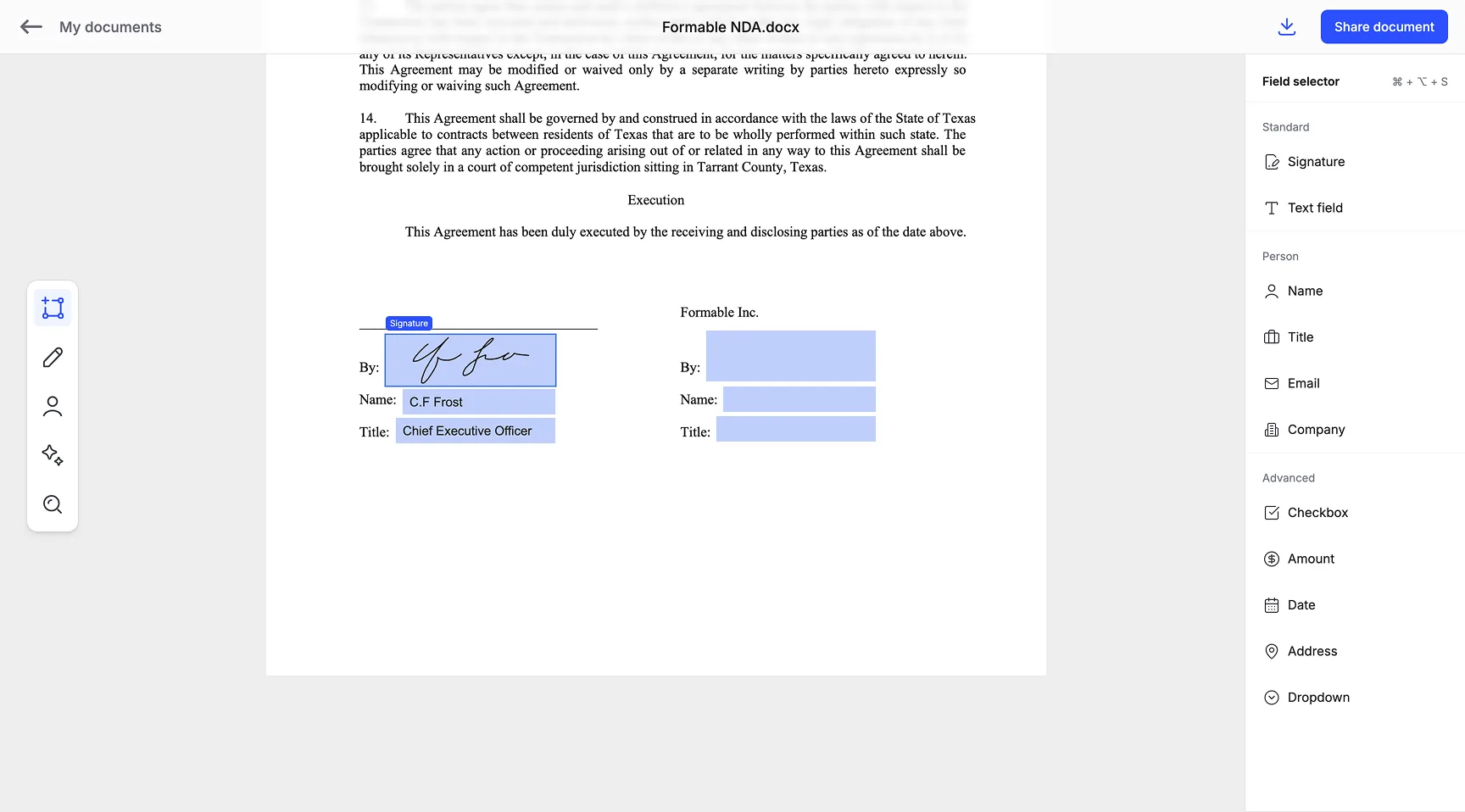
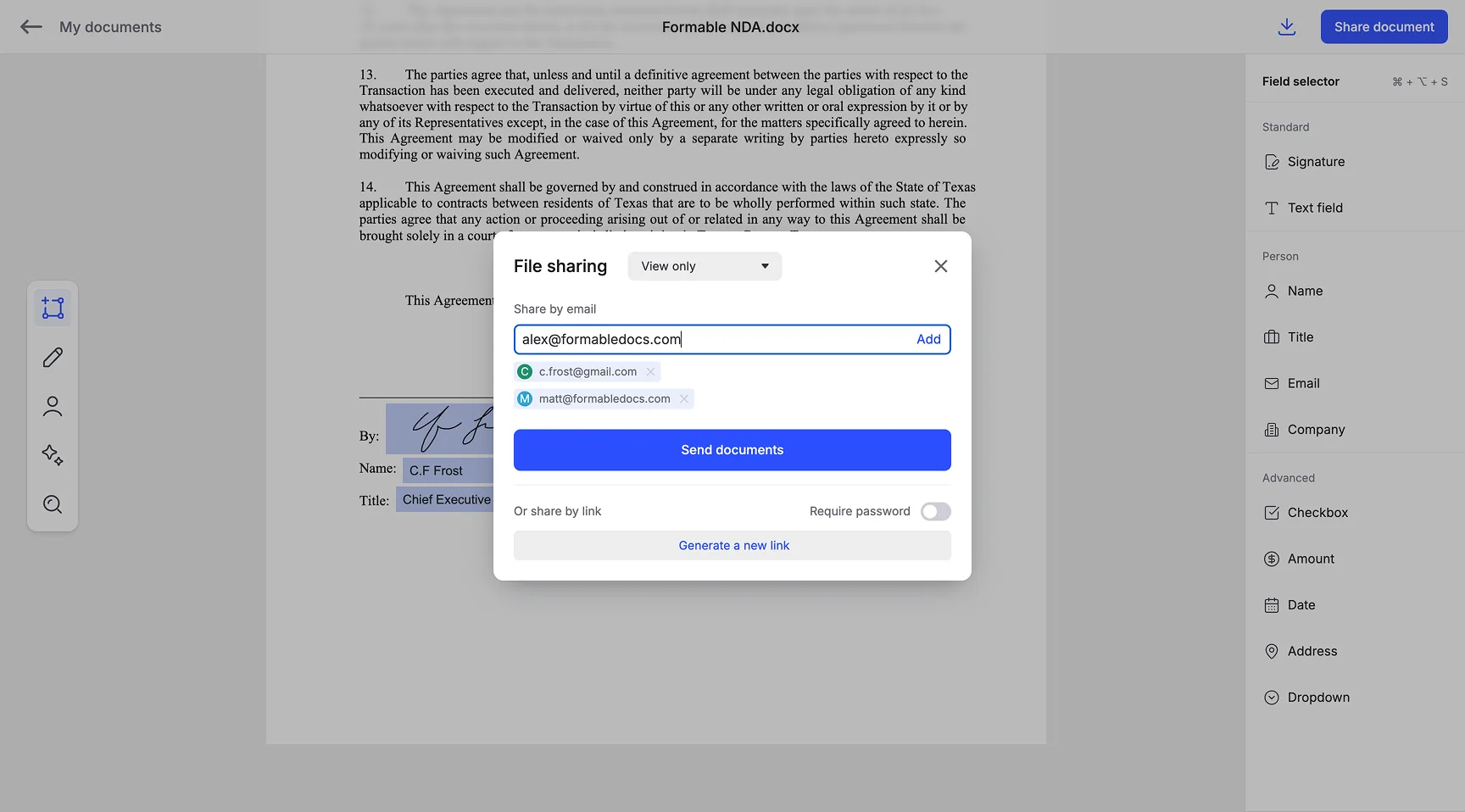
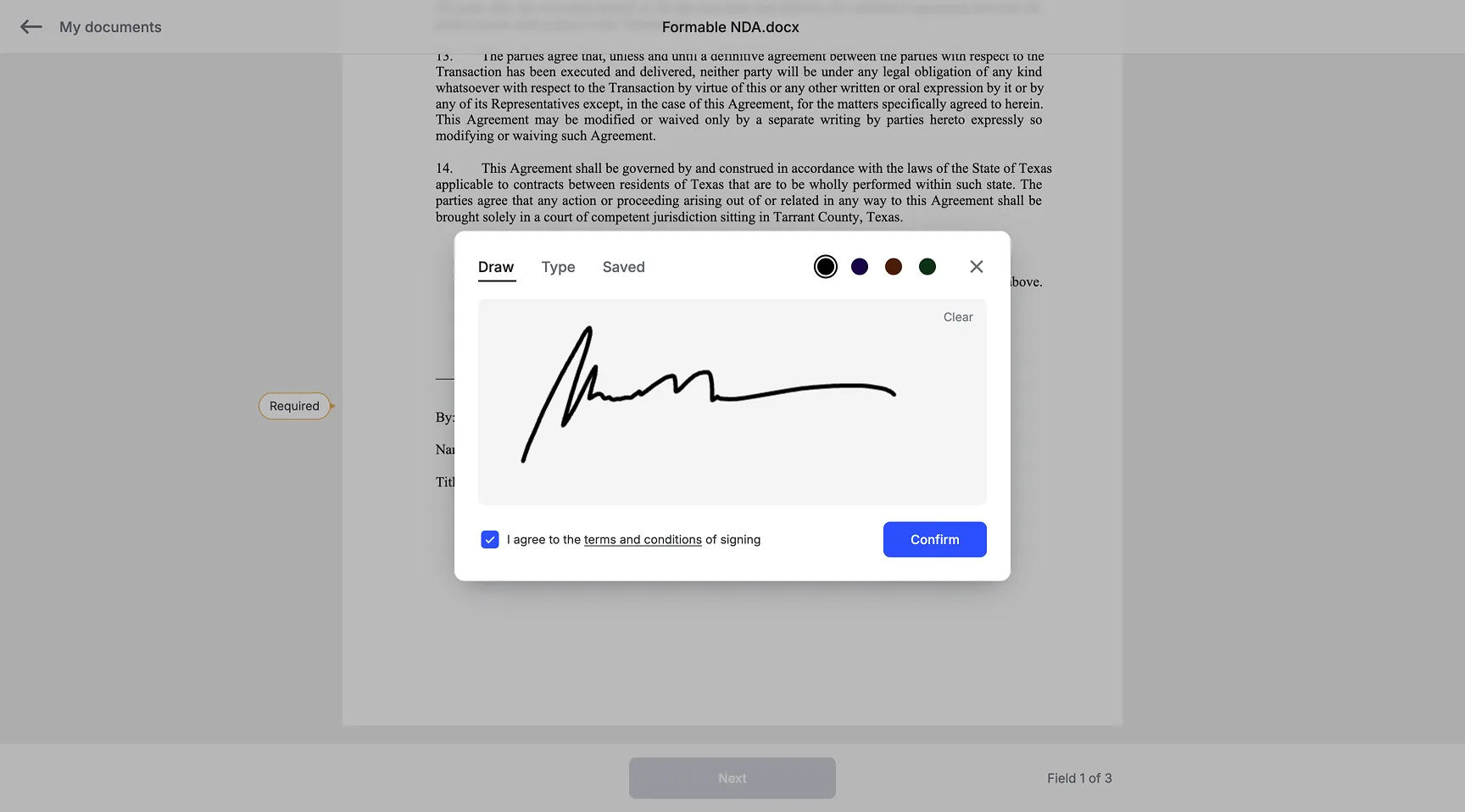
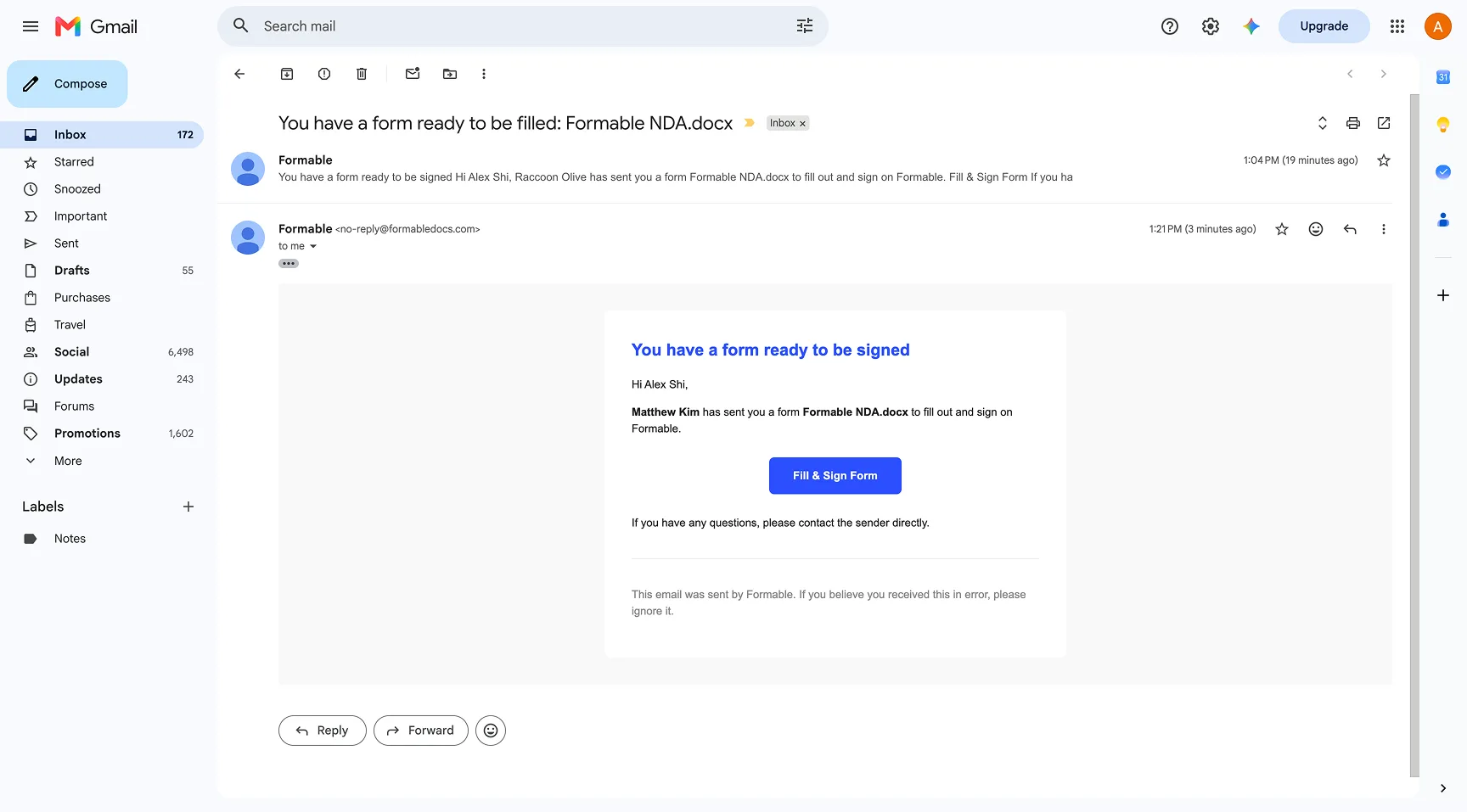
Formable contains features that provide the most seamless e-signing experience possible, for you and your signers.
Share a signing link anywhere. Add a password when you need an extra layer of protection.
Drop in signatures, initials, dates, checkboxes, and more. Assign fields to certain recipients.
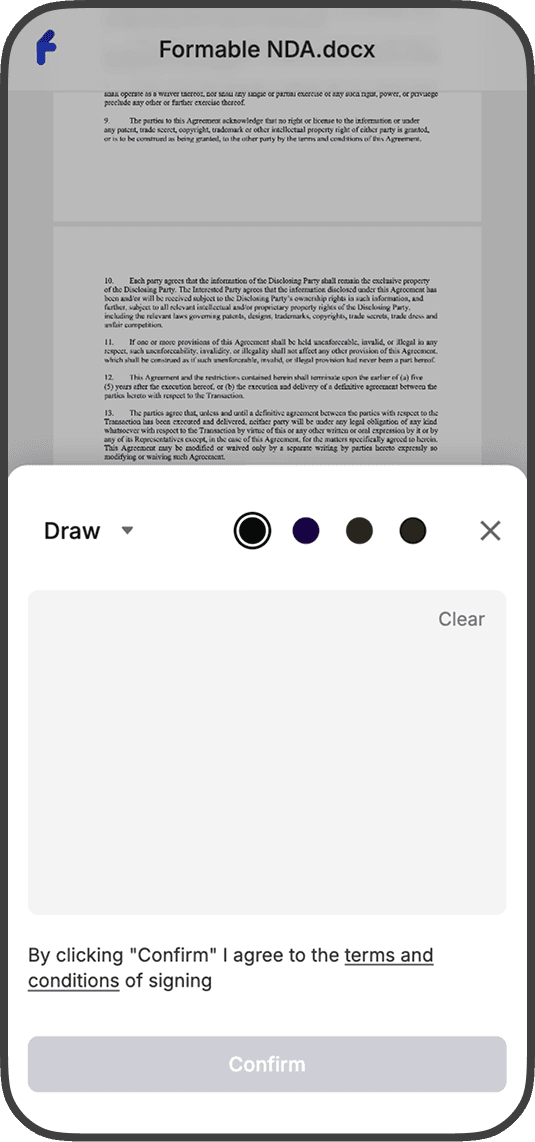
Recipients open a focused signing experience with no account required.
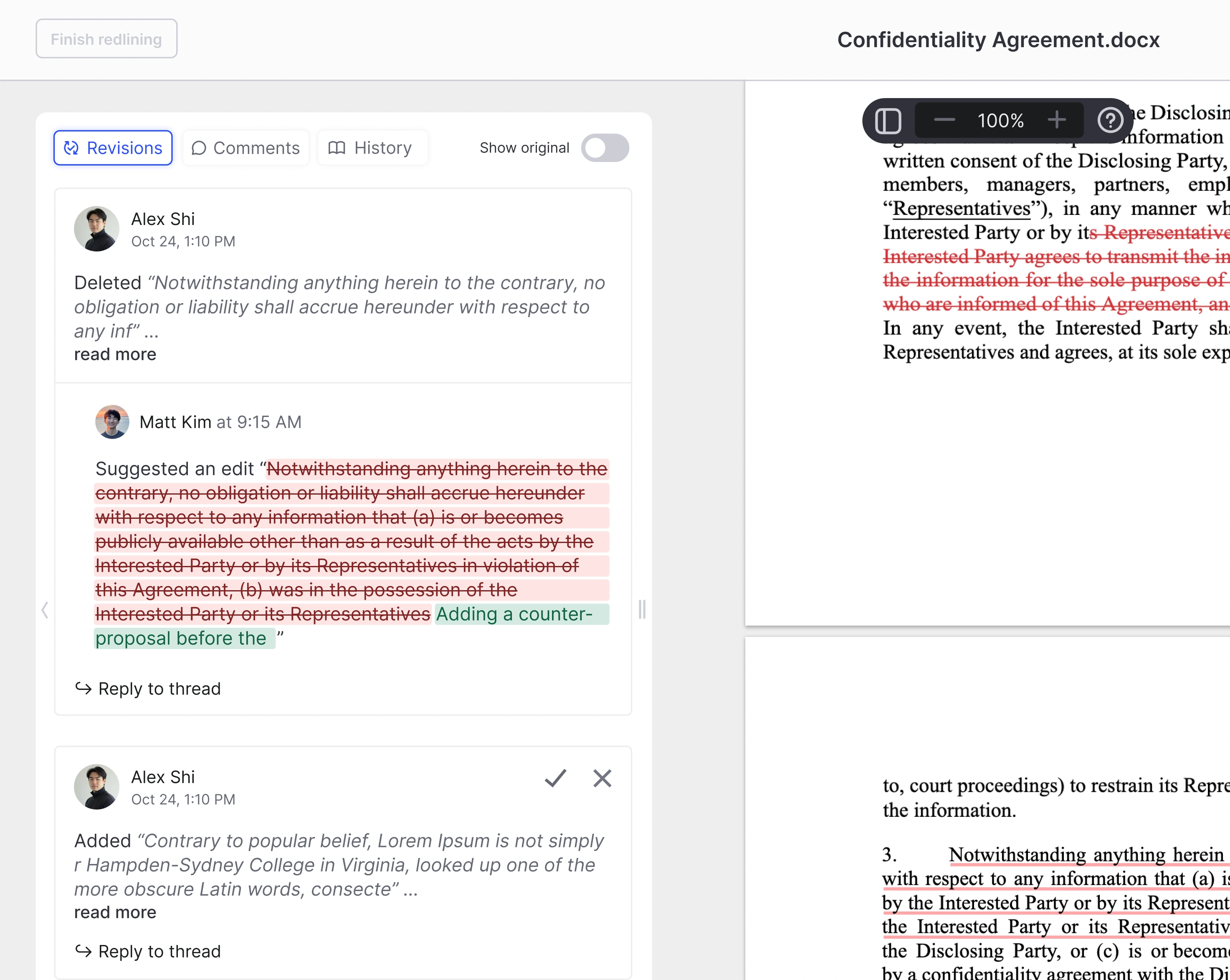
Need changes after sending? Redline in the browser, then return to signing.
Track every create, send, view, and sign event in a legally binding audit trail that stays attached to the envelope.
const response = await fetch(API_URL, { method: "POST", headers: { Authorization: `Bearer ${apiKey}`, "Content-Type": "application/json", }, body: JSON.stringify({ templateId: "tmpl_nda_v3", signer: { email: "jane@acme.com", name: "Jane Doe" }, sender: { email: "alex@acme.com", name: "Alex Rivera" }, }), },);const { id } = await response.json();const { signingUrl } = await fetch(`${API_URL}/${id}/url`, { method: "POST", headers: { Authorization: `Bearer ${apiKey}` } },).then((res) => res.json());// Embed the signing experience in your productiframe.src = signingUrl;Yes. In the United States, the federal Electronic Signatures in Global and National Commerce Act (E-SIGN Act) and the Uniform Electronic Transactions Act (UETA), adopted in nearly every state, generally provide that a signature, contract, or record may not be denied legal effect solely because it is electronic. Formable captures signer identity, timestamps, completion status, and an audit trail for each envelope so completed agreements remain defensible.
No. Each recipient opens a secure signing link, completes their fields, and finishes without creating an account.
Yes. Send recipients in parallel when speed matters, or use sequential routing when one signature must wait on another.
Create, send, view, sign, and completion events are logged with timing and related signer context, then kept with the completed PDF.
Yes. Use Formable embedded e-signing to add the same guided signing flow inside your software platform. See the Formable API documentation for setup, walkthroughs, and API reference.
Yes. Browse Formable's free contract templates for NDAs, MSAs, SOWs, DPAs, and more, place signature and input fields, then send a secure signing link. Start in the template library.
Didn't find an answer to your question? Book a short call and we'll walk through Formable with you.
Book a call
Send a signing link in minutes, or embed the same flow with embedded e-signing API. Use our free contract creator if you need to write a contract.